Features
One program for the whole roll-off day.
Dispatch
The whole day on one board: a lane per driver, every stop in order, and the jobs nobody has yet.

- Drag a stop to another driver or another place in the day; Undo if you didn't mean it
- Unassigned shows every open job without a driver or a hauler
- Warnings when a heavy job is on the wrong truck size (it warns, it never blocks you)
- The map with your trucks' GPS, and route planning that suggests the order of the stops
- Closed days, repeating jobs, and outside haulers when you send work out
The driver's phone
My Day is built for a cab, not a desk: big buttons, one stop at a time, and it keeps going when the signal drops.
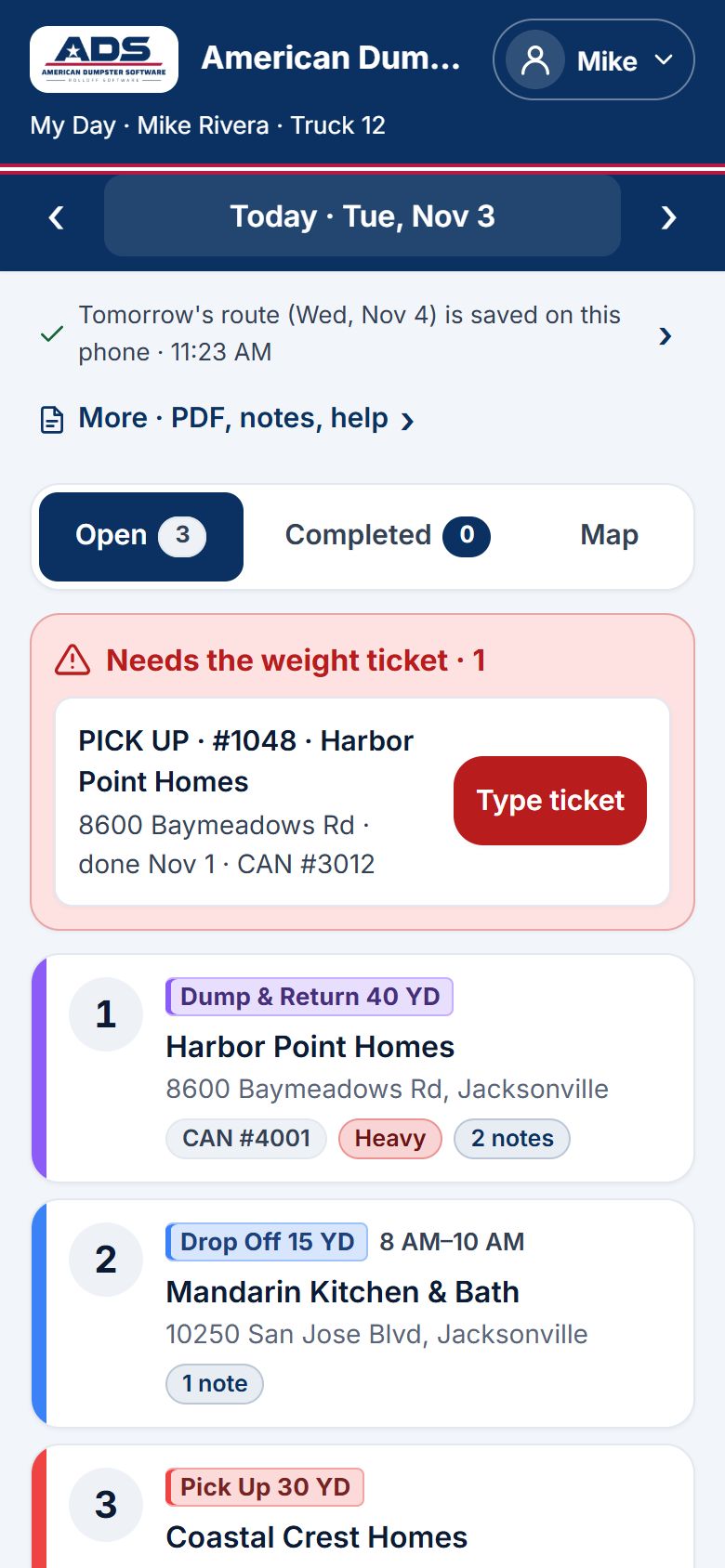
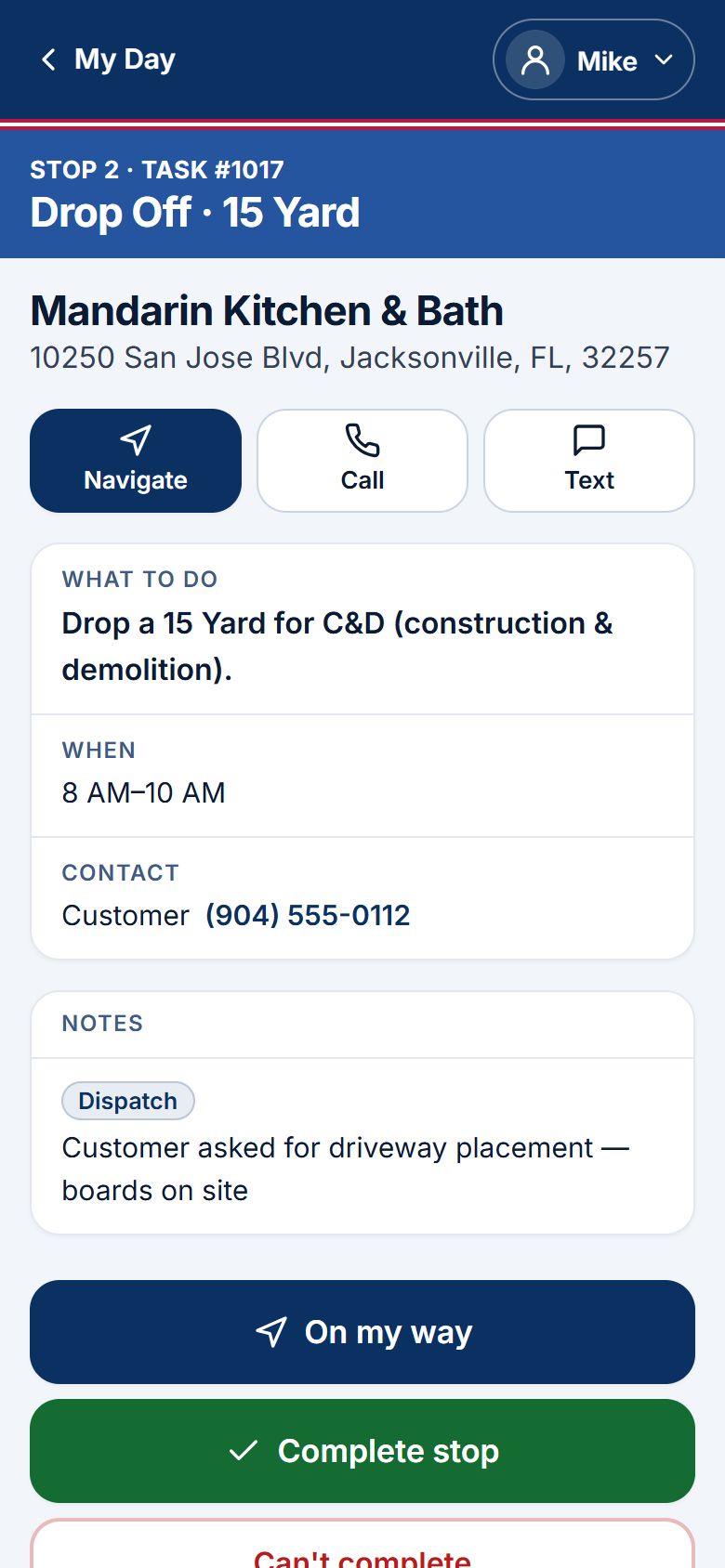
- Works with no signal: each stop, photo and ticket waits on the phone and goes up by itself later
- Photos of the can and the site, weight tickets, extra charges and damage, right from the stop
- The truck check at the start of the day
- Directions with one tap, and a route sheet to print or save as a PDF
- No app store: it opens in the phone's browser and sits on the home screen like an app
Every dumpster's story
Every can has a page: where it is, who has it, how long it's been out, and every move it made to get there.
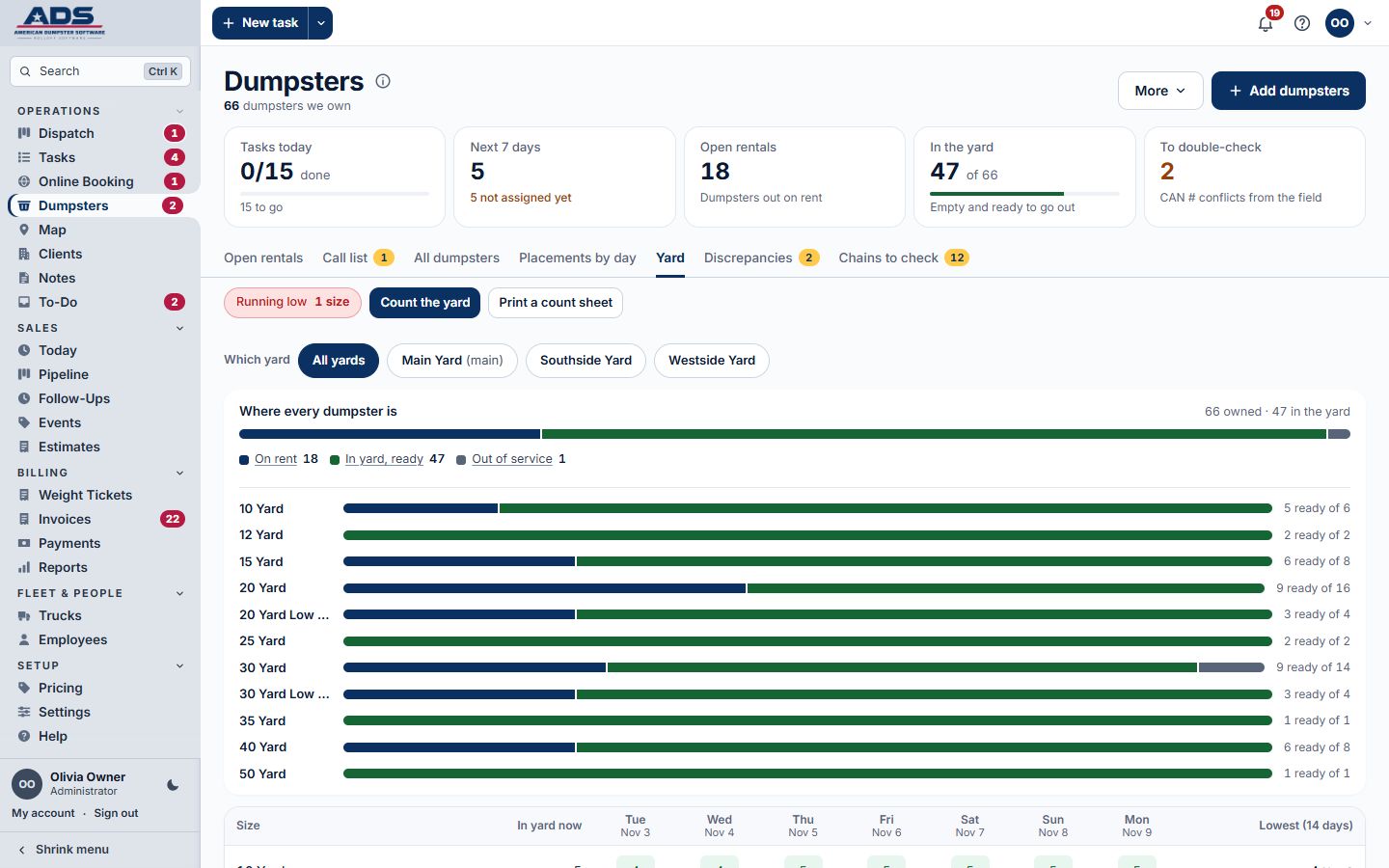
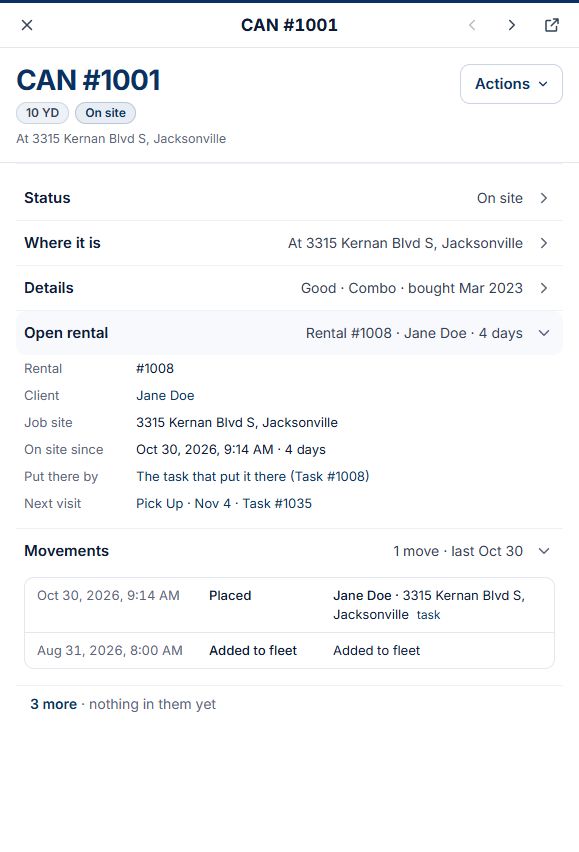
- The yard forecast: how many of each size you'll have, day by day
- The yard count, to check the yard against the screen
- Cans found in the wrong place are flagged for checking, never quietly moved
- The call list of cans that have been out too long
Billing
The job is the bill: when a driver finishes a stop, the invoice draft is already waiting, at your prices.
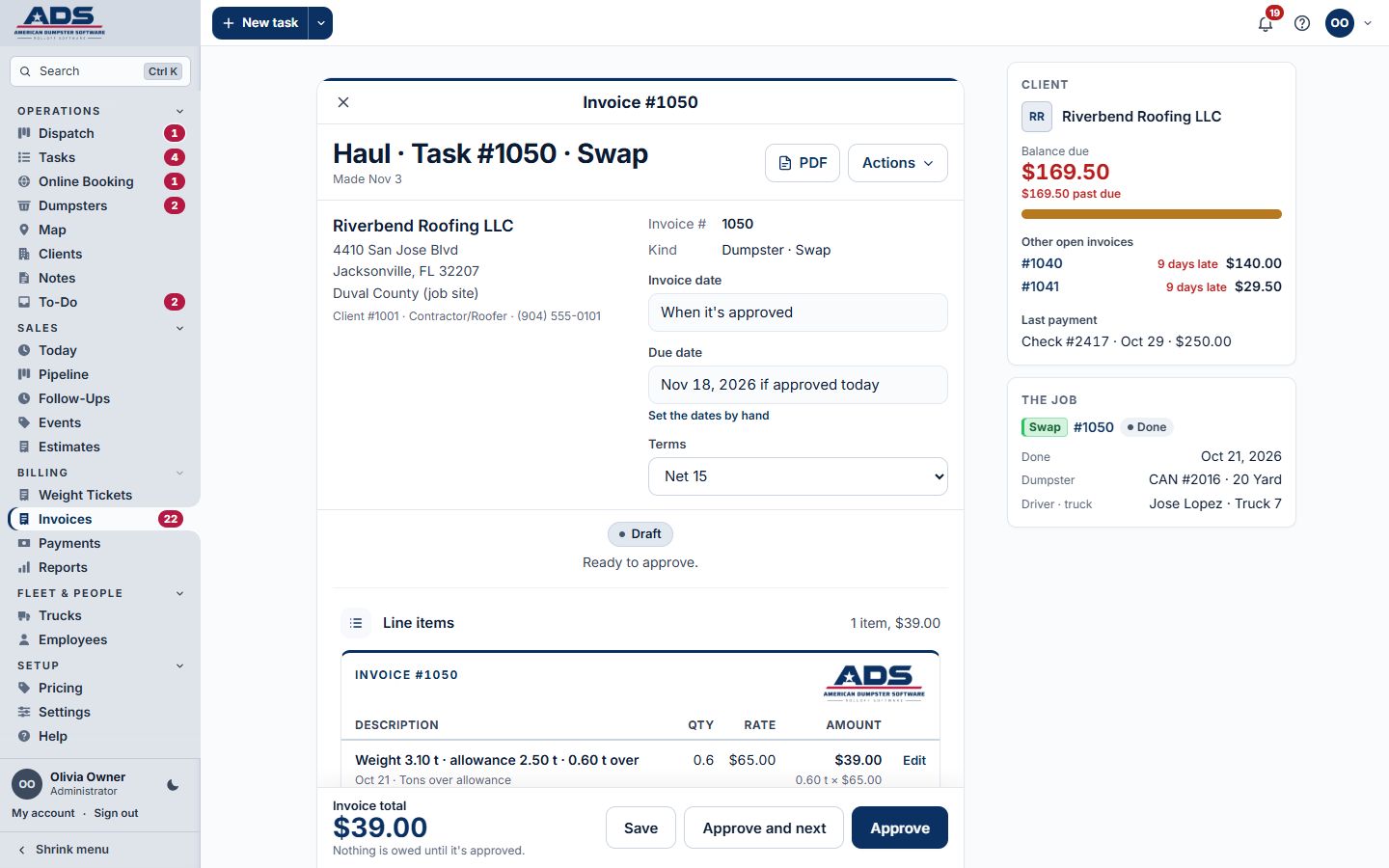
- Every stop its own bill, or a combined invoice when you want one
- Your price list per customer, size, area and kind of job, with landfill tons passed on
- Payments, credit memos, statements, the aging list and late fees
- Month end with a checklist, and closed months nobody can change by accident
- Card payments through your own Stripe account
- QuickBooks Onlinecoming
Online booking
Customers book a dumpster on your website at any hour, without a phone call.
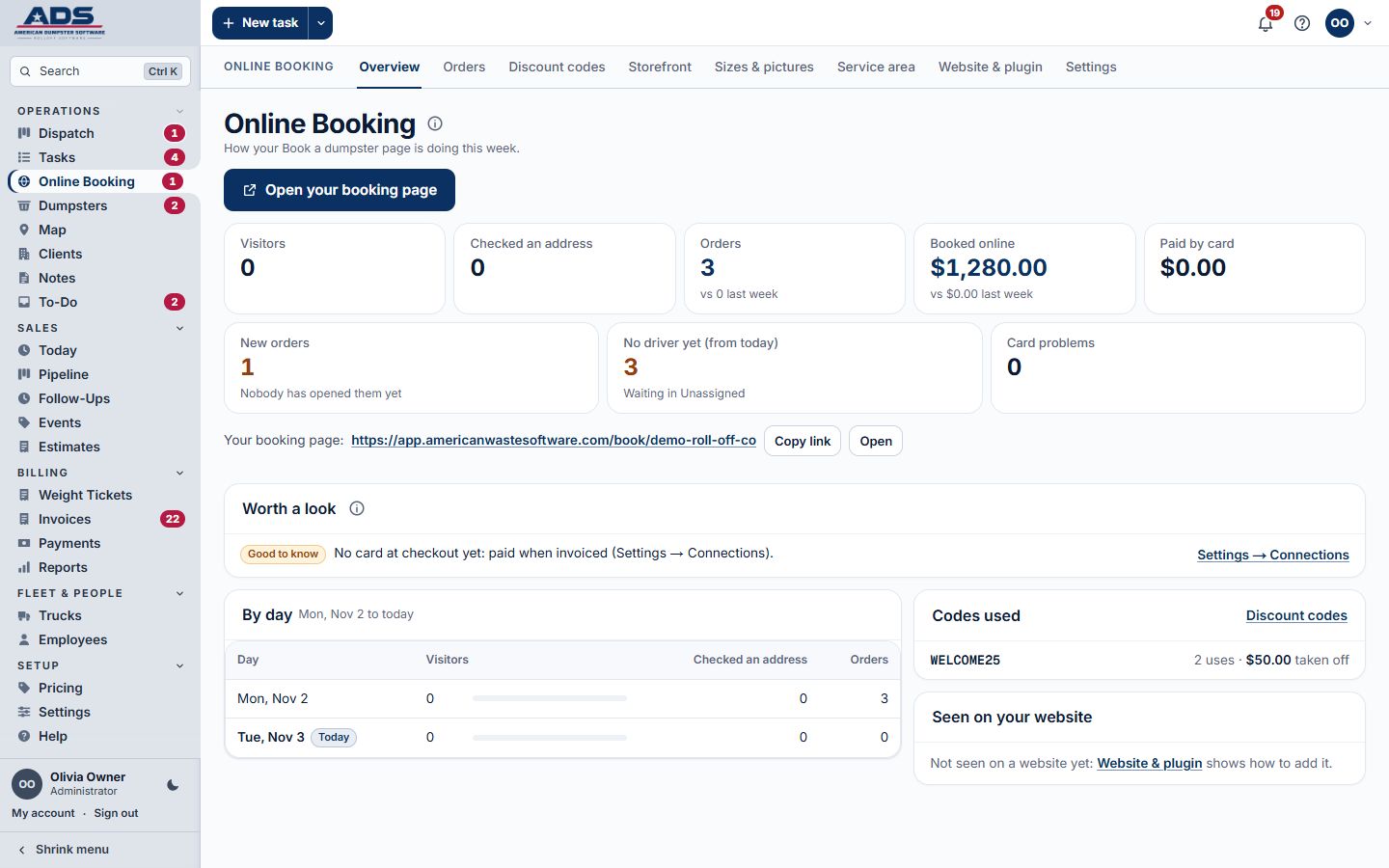
- Your sizes, your service area and your online prices
- The customer signs your rental agreement with a finger or a mouse, and gets a signed copy
- Pay by card when booking, through your own Stripe account
- Add it to your website as a button, a pop-up or a page; a WordPress plugin is included
- Discount codes, and orders landing straight on the board
Customer portal
Your regular customers stop calling to ask. They log in and see for themselves.
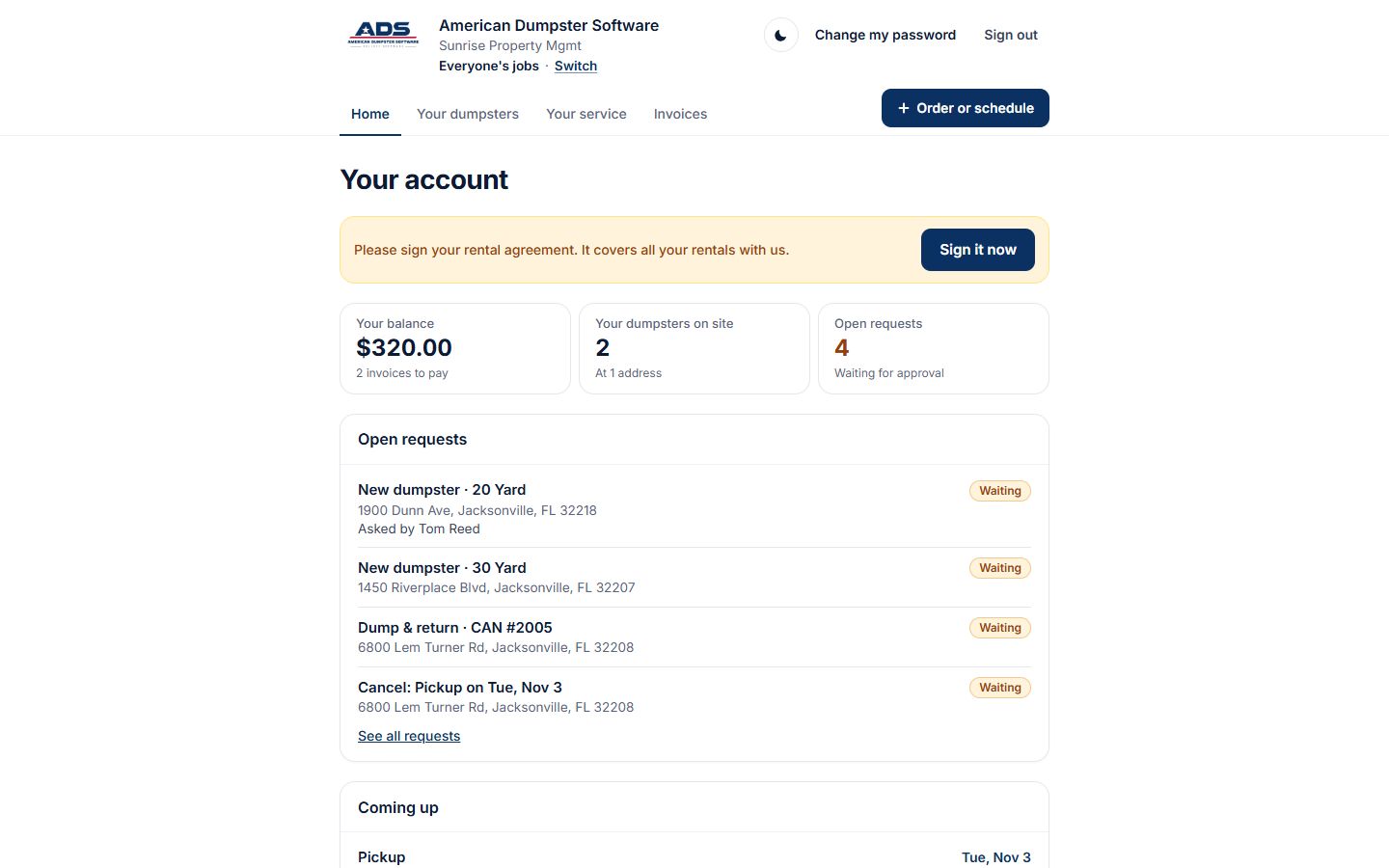
- Ask for a new drop off, a swap or a pickup, with your cutoff time for next-day work
- Ask to move or cancel a job, and the office says yes or no
- See and download their invoices
- Add it to the phone's home screen
Sales
Growing the business sits in the same place as running it.
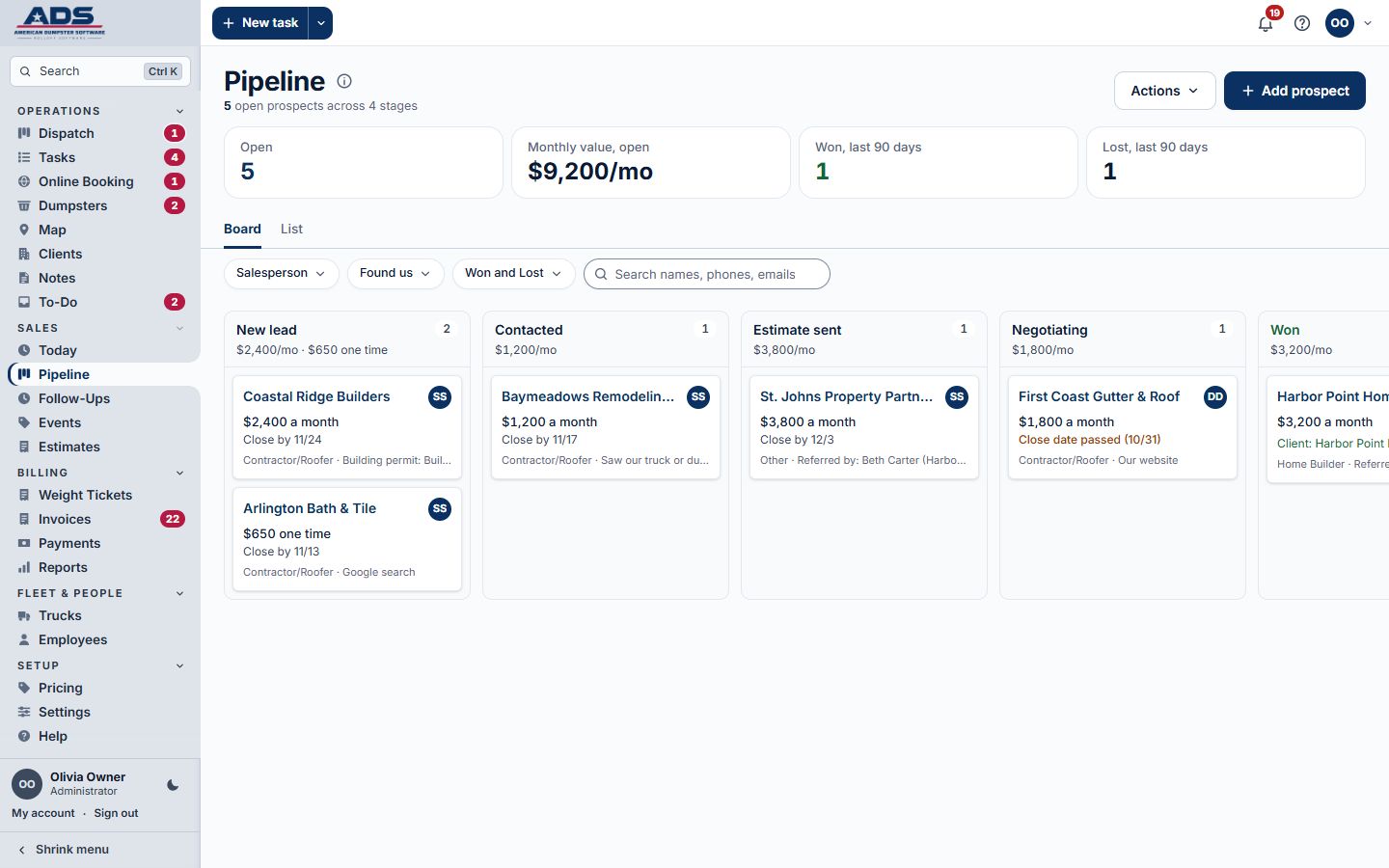
- A sales pipeline from new lead to won, with check-in reminders so nobody goes quiet
- Estimates you can turn into a booked job in one step
- Sales reports and spreadsheet downloads
Reports
The numbers you ask about every week, already worked out.
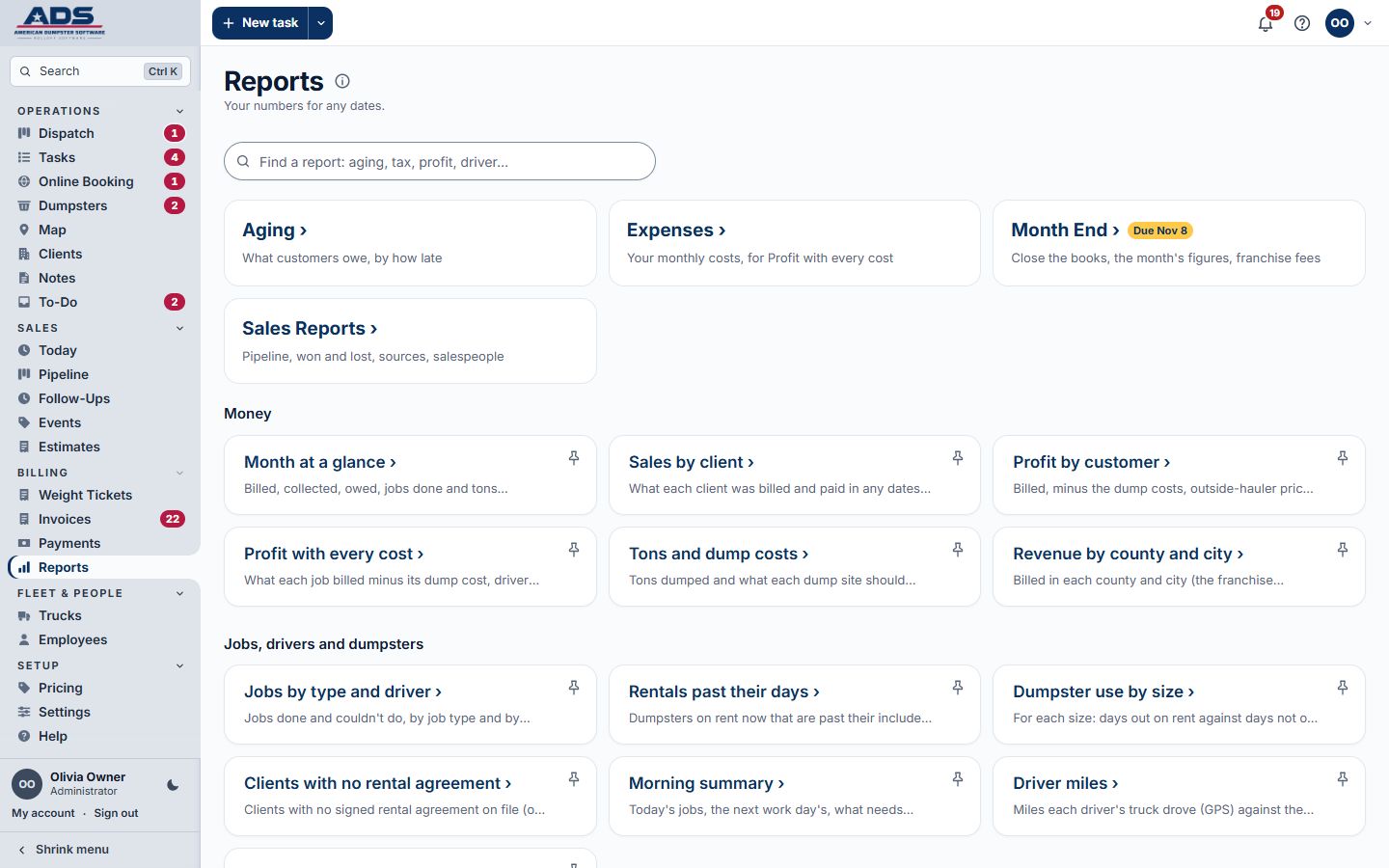
- Money in, money owed, work done, landfill costs and what each job made
- A bill check for each landfill, so overcharges don't slip by
- A spreadsheet download for every list and report
- Daily files saved for your records, and your data yours to take any time
Help & training
New people learn the job inside the software, not in a binder.
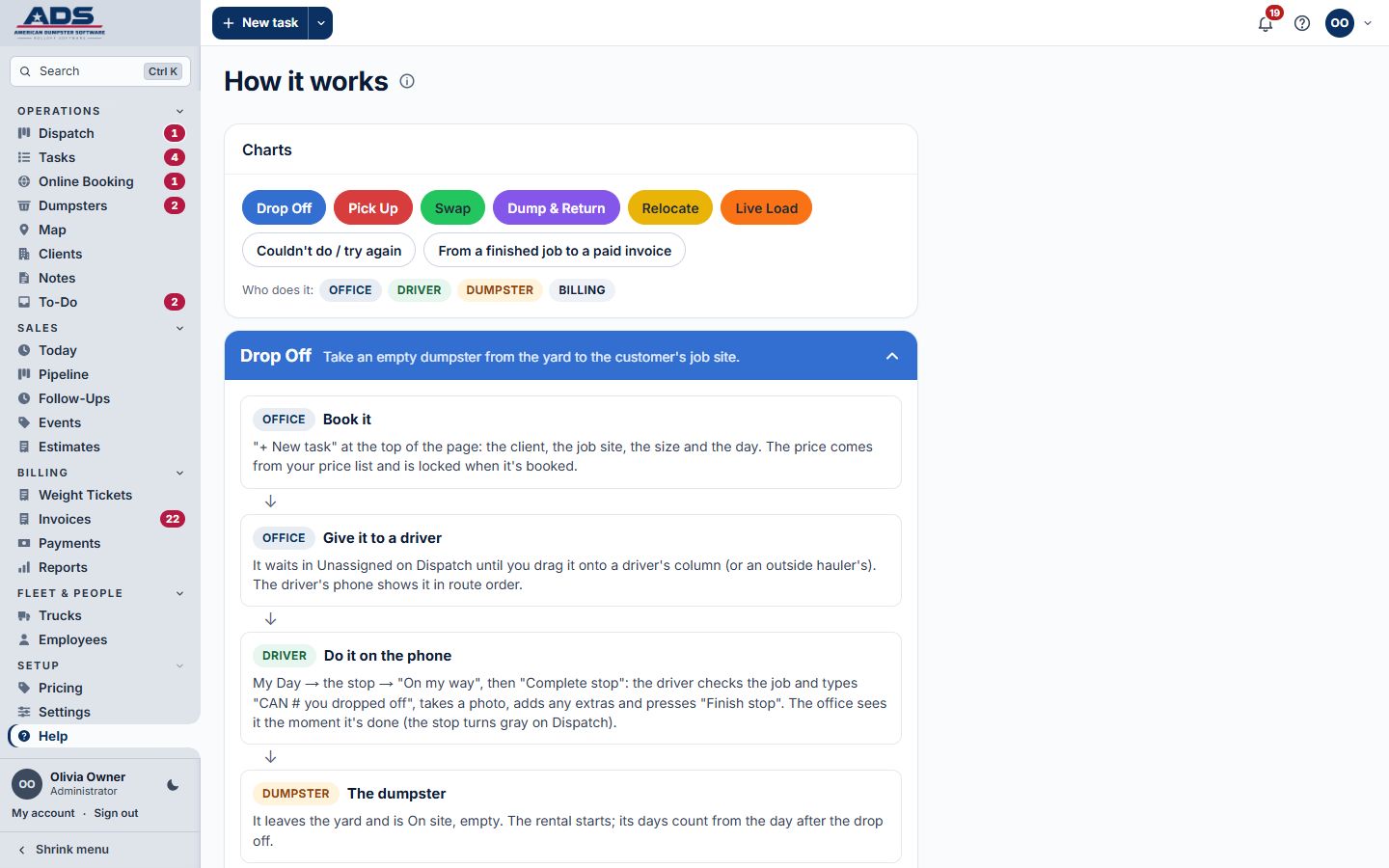
- How it works: a step-by-step chart for each kind of job, from booking to paid invoice
- A walkthrough for each role: owner, office, dispatcher, billing, sales, driver, customer
- Guided tours on the demo, so you can see it all before you decide
- Plain words everywhere: no codes to remember
See it with your own jobs in mind.
Open the demo and try a day, or book a call and we'll walk you through it.